
Avast Antivirus
Avast Antivirus is a free antivirus program from Avast Software for Windows, also available for macOS, Android and other platforms.
0.9 GB

Norton Antivirus is commercial antivirus and computer security software for Windows, available as a trial before purchase.
Average 0.0 · ratings: 0
Thank you! Your rating is saved; you can change it. Could not save the rating. Please try again later. Too many ratings from your network today. Please try again tomorrow. The average appears after 5 ratings.
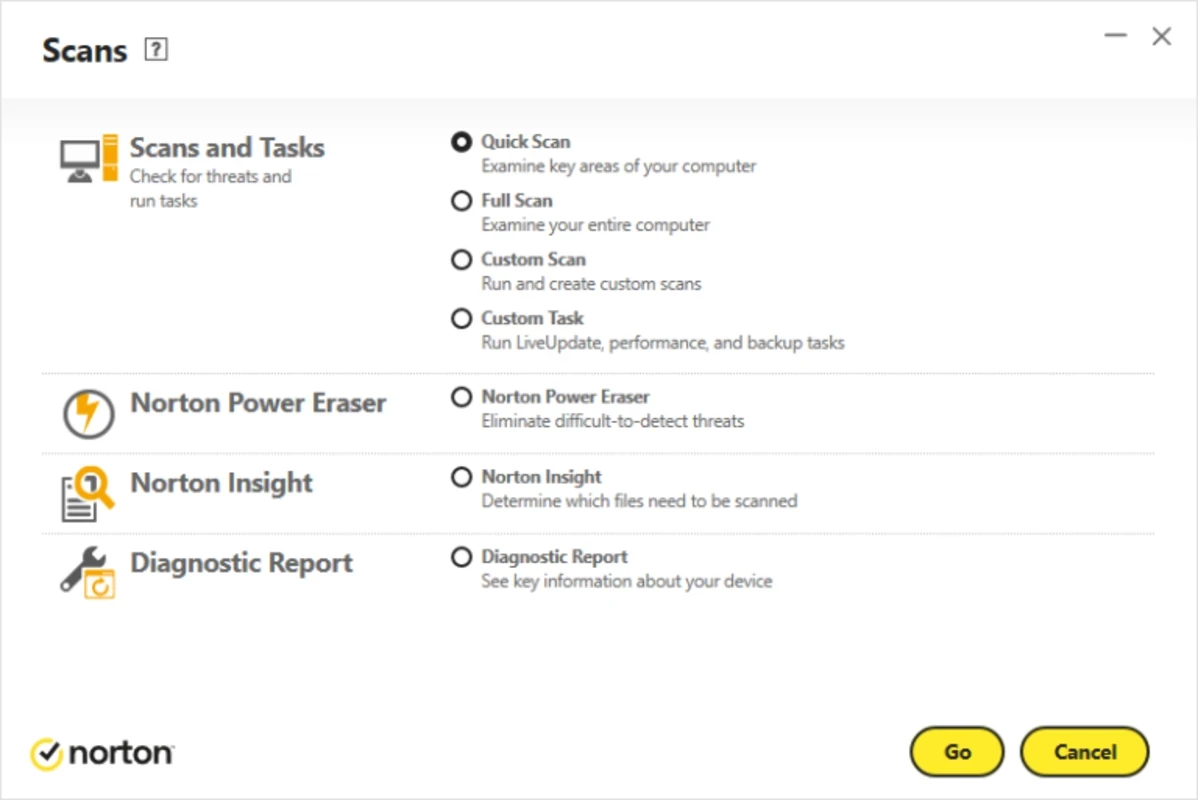
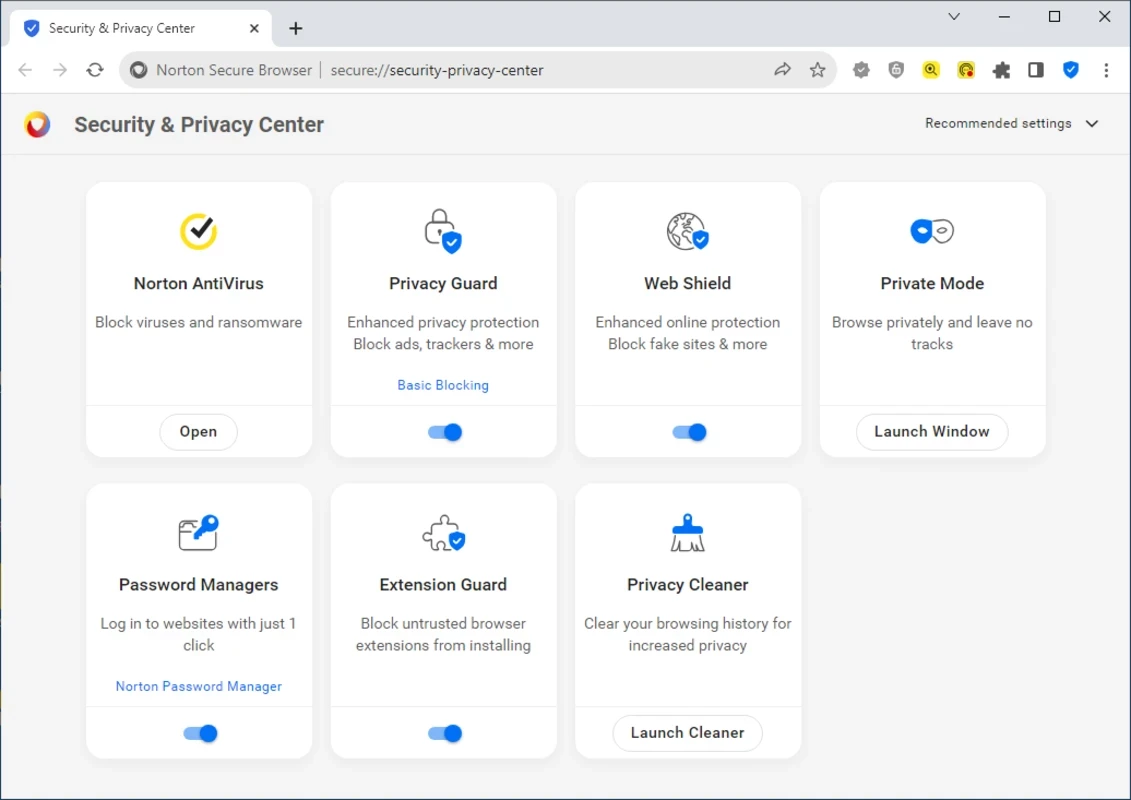
Norton Antivirus 26.9.11171 is commercial antivirus and computer security software for Windows. It protects a PC against viruses and other malware, and you can download Norton Antivirus as a trial from the official website norton.com before deciding whether to buy a subscription.
| Parameter | Value |
|---|---|
| Version | 26.9.11171 (September 16, 2026) |
| Developer | Gen Digital Inc. |
| Type | Antivirus, computer security software |
| Platforms | Windows, macOS, Android, iOS |
| Licence | Proprietary, trial available |
| Size | about 180.64 MB according to catalogue data |
Norton is a well-known consumer security brand. The antivirus scans files and programs for malware, watches for suspicious behaviour in the background and blocks threats before they can do damage. It is designed for home users who want protection that works without constant attention: after installation it updates itself and runs scans on a schedule. The same account can protect other devices, since Norton has apps for macOS, Android and iOS. Windows already includes Microsoft Defender, so the question is not whether you need protection at all, but whether you want a paid product with its own tools, support and interface. People who manage the computers of relatives, small offices and users who want one subscription for several devices are the typical buyers.
Details: Norton system requirements.
Norton is paid software with a trial period. Buy it only on norton.com or from trusted retailers; fake antivirus offers and cracked versions are themselves a common way to infect computers. Watch for automatic renewal of the subscription and turn it off if you do not want it.
Check that real-time protection is on, schedule scans for a time when the PC is usually running and review which notifications you want to see. If the computer slows down during scans, change their schedule rather than turning protection off.
Free and paid options in our listings include Avast Antivirus, AVG Antivirus, Avira Free Security, Bitdefender Antivirus and Malwarebytes.
Avast Antivirus is a free antivirus program from Avast Software for Windows, also available for macOS, Android and other platforms.

AdwCleaner is a free Windows tool from Malwarebytes for finding and removing adware, unwanted programs and browser hijackers.

AVG Antivirus is a free antivirus for Windows from AVG Technologies with real-time scanning, web protection and optional paid features.

Avast Clear, also called the Avast Uninstall Utility, is a free Windows tool from Avast that fully removes Avast antivirus products when the standard uninstaller fails.

Adaware Antivirus is a Windows antivirus from Lavasoft, the company behind the long-running Ad-Aware anti-spyware tool, with a free edition.

Malwarebytes for Windows is anti-malware software that scans for and removes malware, ransomware, adware and unwanted programs.

Panda Antivirus is a security program for Windows from Panda Security, protecting against viruses and other malware.

UsbFix is a Windows tool from SOSVirus that detects and removes malware spread through USB flash drives and helps recover files the malware has hidden.